


|
Name |
GameHub Lite |
|---|---|
|
Category |
Tools |
|
Developer |
gamehublite |
| Last version | 5.3.4 |
|
Updated |
|
|
Compatible with |
Android 5.0 + |
What is GameHub Lite APK?
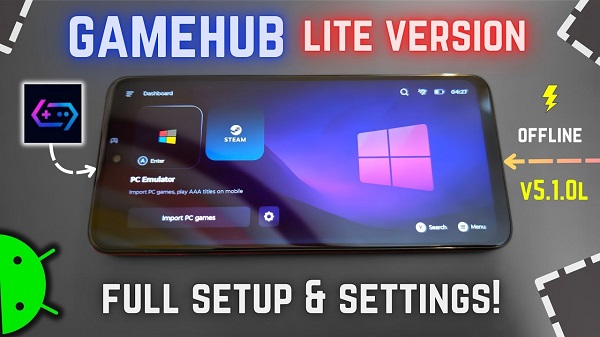
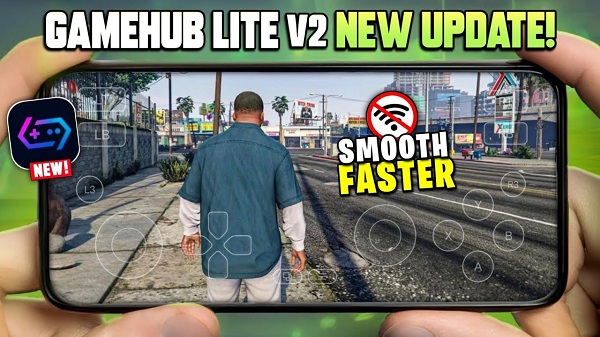
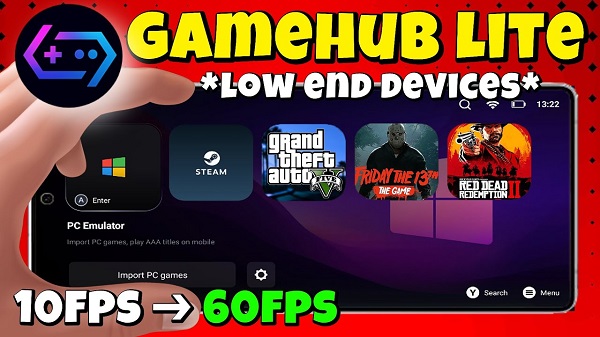
GameHub Lite is a lightweight mobile application built for Android that lets users play Windows PC games directly on their devices. It’s not a streaming service but a compatibility platform that runs PC titles locally, giving players a smoother and more private experience. Designed for gamers who value control and flexibility, the app offers a full desktop gaming feel without the need for powerful hardware or a constant internet connection.
Unlike cloud-based tools that rely on external servers, GameHub Lite operates offline once games are installed. This setup makes it ideal for users who travel often or want to play without worrying about Wi-Fi or mobile data. The system is stripped of unnecessary background processes, ensuring stable performance and better battery life even on mid-range phones.
The app’s minimal interface focuses on what matters most — quick access to your favorite titles. Players can customize controls, adjust visual settings, and pair external gamepads or keyboards. It supports smooth frame rates, high-resolution rendering, and responsive gameplay that stays close to what you’d expect from a desktop setup.
Another highlight is its privacy-focused design. GameHub Lite doesn’t require logins, trackers, or telemetry data collection. Everything runs locally, so your gaming habits and performance data stay private. This level of transparency and control appeals to users who prefer clean, open-source software.
While GameHub Lite performs impressively, it’s not without its limits. Some heavy-duty PC games may still run into compatibility issues, and manual setup can take a bit of time for new users. However, its strong community support on GitHub helps troubleshoot and improve performance continuously, making it one of the most practical solutions for on-the-go PC gaming.
GameHub Lite suits tech enthusiasts, casual players, and travelers who want desktop-level gaming on Android without giving up privacy or flexibility. It’s a smart alternative for anyone tired of laggy streaming services or corporate-heavy gaming platforms.
FAQs GameHub Lite
What is GameHub Lite?
+
GameHub Lite is an Android app that lets you run Windows PC games locally on your phone without relying on cloud streaming.
Does GameHub Lite work offline?
+
Yes, once your games are installed, you can play them offline with no need for internet or external servers.
Is GameHub Lite safe to use?
+
It’s open-source and doesn’t collect user data, making it safer and more private than most commercial gaming apps.
Can I use a controller with GameHub Lite?
+
Yes, the app supports external gamepads, keyboards, and mice for a full desktop-style control setup.
Who should try GameHub Lite?
+
It’s great for gamers who want PC-quality gaming on Android, especially those who value privacy and offline play.
Discover More Interesting Apps
-

Game Booster 4x Faster Pro
v6.0.6
9.00 Mb
Updated -
90 FPS
v14.4
16.20 Mb
Updated -
Surfshark VPN
v3.34.0
148.00 Mb
Updated -
WAKOSTA?!
v2.8.0
6.53 Mb
Updated -
Mod
Super VPN
v3.1.7
48.00 Mb
Updated -
Npv Tunnel
v124.0.28
56.48 Mb
Updated -
Mod
Hola VPN
vAARCH64_1.258.961
22.78 Mb
Updated -
GearUP Game Booster
v4.0.5
19.38 Mb
Updated -
Mod
Prisma 3D
v3.3.6
99.53 Mb
Updated -
Bubble Screen Translate
v4.5.3
71.59 Mb
Updated










Share Your Thoughts